App Features
Recipe to Grocery List: How Do You Turn a Recipe Into One?
Short Answer
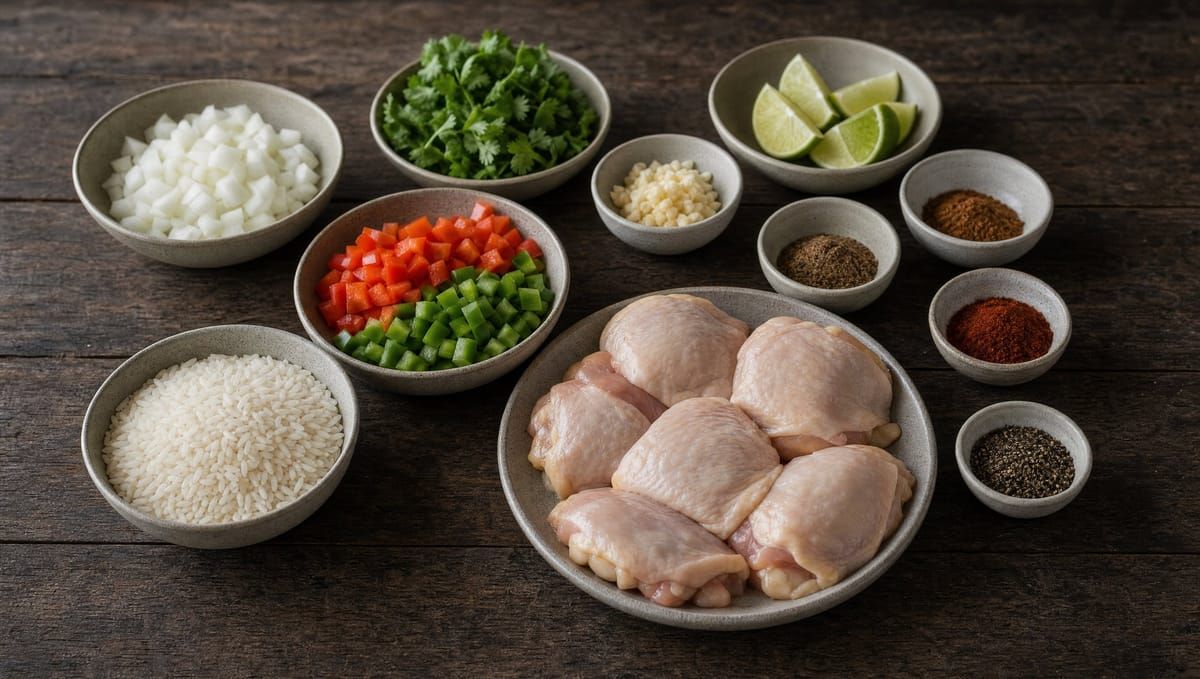
Going from recipe to grocery list takes three steps: list every ingredient with its amount, take off what you already have, and buy the rest. Done by hand, it means copying ingredients out of each recipe one by one, then doing it again for every meal of the week, and something always gets left off.
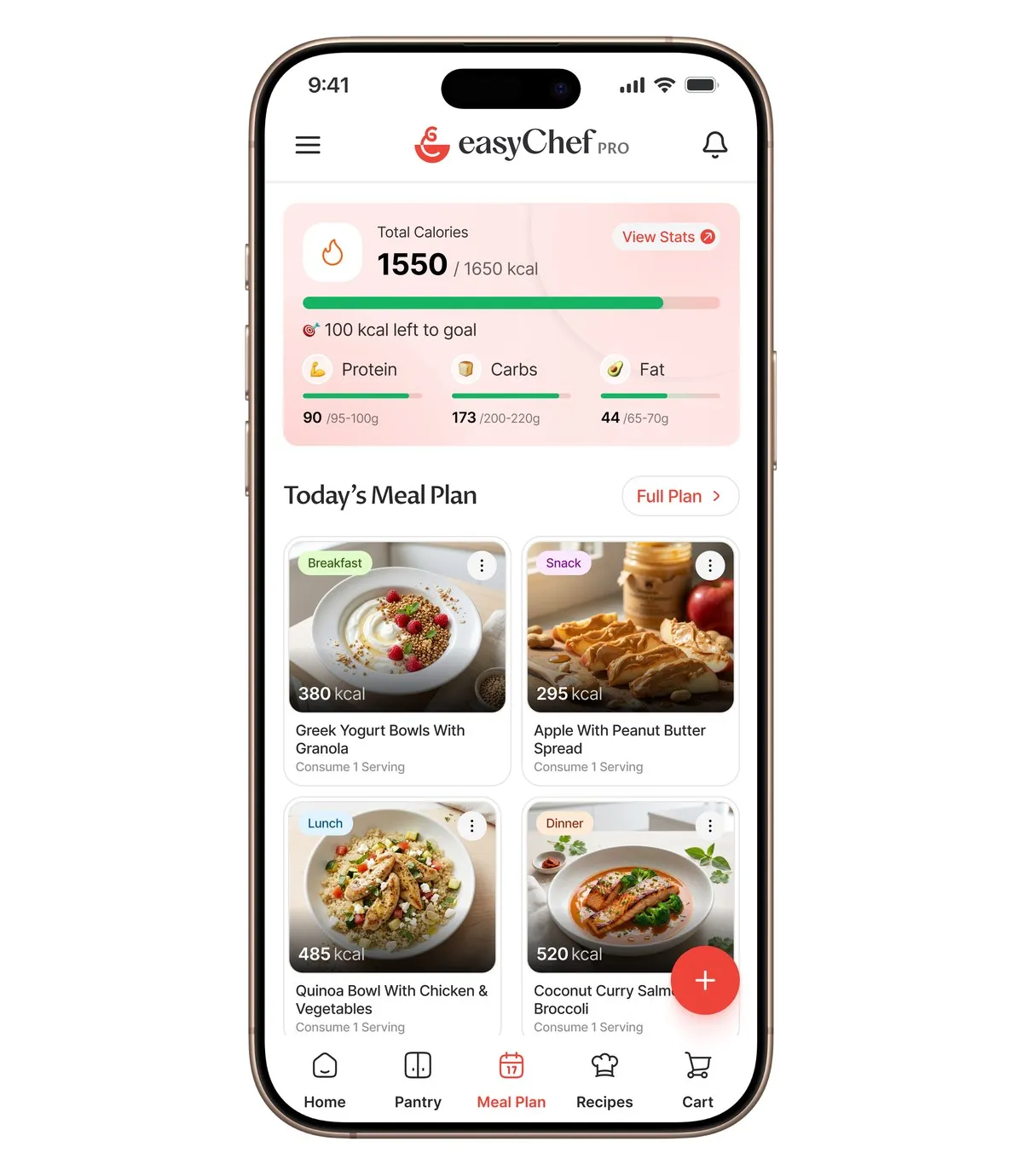
Know what to cook, what to eat, and what to buy. easyChef Pro brings your recipes, nutrition, meal plans, pantry and shopping together in one app. On a recipe, add all of its products to your cart, which is your shopping list, after a confirm step. Each recipe shows how many of its ingredients are already in your pantry, so you know what to remove. Then share the list or send it to a Walmart cart.
How to make a grocery list from recipes by hand
- Write down every ingredient in each recipe, with its amount.
- Add up the same ingredient across recipes.
- Check the fridge and cupboards and cross off what you have.
- Group what is left by aisle.
It works, but it takes time each week, and the list is only as good as your check of the cupboards.
Recipe to cart in easyChef Pro, step by step
- Pick the recipes. Add the week's recipes to your meal plan, from each recipe's page.
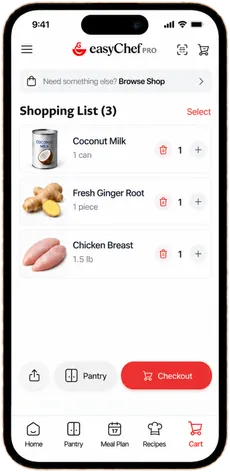
- Add each recipe's products. On each recipe, add all of its products to your cart. A confirm step is shown first.
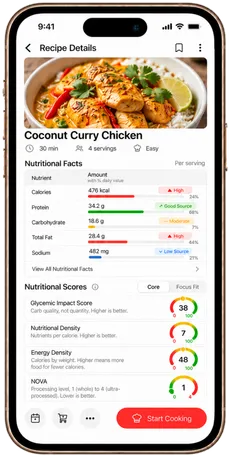
- Check the pantry count. Each recipe shows how many of its ingredients are already in your pantry, like 4 of 6. Adding all of a recipe's products includes those, so remove what you have.
- Add the extras. Add single products, or scan a barcode to add a product.
- Share it or send it. Share the cart as text with a link, share the link, or save it as a PDF, or send the items to a Walmart cart.
Why a grocery list from recipes beats one from memory
A list written from memory reflects what you usually buy. A grocery list from recipes reflects what you plan to cook this week. It also carries the amounts, so you buy one can of coconut milk because the recipe needs one, not because it is on the shelf.
Tips for turning recipes into one list
- Plan first. Choose the week's recipes before you build the list.
- Check the pantry count on each recipe before you check out.
- Share the PDF with whoever shops. A printed list works in a store with weak signal.
- Look at the skipped list if you send it to Walmart. Those are the items to pick up somewhere else.
What makes easyChef Pro different
The problem was never you. The system was disconnected.
Recipe sites stop at the recipe, and list apps start from a blank page. In easyChef Pro the recipe, its nutrition per serving, your meal plan, your pantry counts and your shopping list are in one app.
Related Reading
Frequently Asked Questions
- How do you turn a recipe into a grocery list?
- List every ingredient with its amount, take off what you already have, and buy the rest. In easyChef Pro, add all of the products of a recipe to your cart after a confirm step, then remove what is already in your pantry.
- Can easyChef Pro add a recipe to my shopping list?
- Yes. On a recipe, add all of its products to your cart, which is your shopping list. A confirm step is shown first. You can also add single products.
- Does it add items I already have?
- Adding all of the products of a recipe includes items already in your pantry. Each recipe shows how many of its ingredients you already have, like 4 of 6, so you can remove those from the cart.
- Can I make one list for the whole week?
- Yes. Add the products of each recipe you plan to cook to your cart, then share it or send it to Walmart.
- Can I send the list to Walmart?
- Yes. Send your cart items to a Walmart cart. Items Walmart does not carry are listed as skipped.
FROM RECIPE TO CART
Turn Your Recipes Into a Shopping List
Add a recipe's products to your cart in easyChef Pro, check what is in your pantry, then share the list or send it to Walmart.



On a computer? Scan with your phone camera to get the app.