App Features
How Do You Read Recipe Reviews Before You Cook Something New?

Short Answer
Recipe reviews tell you how a dish turned out for the people who already made it: whether it worked, what they changed and whether they would make it again. What reviews rarely tell you is what is in the dish, so a five star recipe can still be far from what you meant to eat.
Know what to cook, what to eat, and what to buy. easyChef Pro brings your recipes, nutrition, meal plans, pantry and shopping together in one app. Rate a recipe from 1 to 5 stars and leave a written review, and see the ratings from other cooks. The same recipe page shows its nutrition per serving and its scores. Then add it to your meal plan and its products to your cart.
How to read recipe reviews
- Look at how many ratings there are. Five stars from three people says less than four stars from three hundred.
- Read what people changed. "I added more garlic" is useful. "I swapped the chicken for tofu" means the review is about a different dish.
- Find reviews from people who cooked it as written. Those tell you how the recipe itself works.
- Check the servings. A dish that "feeds four" in one review may have fed two in another.
- Check the nutrition separately. Reviews rate taste and ease, not what is in the dish.
How ratings and reviews work in easyChef Pro
- Rate it. Give a recipe 1 to 5 stars and leave a written review. You can leave one review per recipe, and not on your own recipes.
- See what others thought. A recipe shows the ratings from other cooks.
- See how many made it. A recipe shows its views and how many people made it.
- See who made it. A chef profile shows the creator's public recipes and cookbooks and their rating counts.
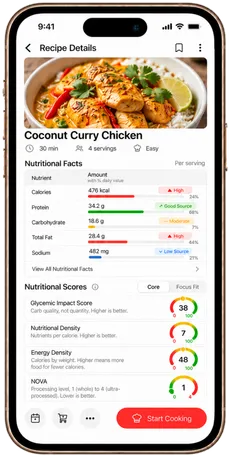
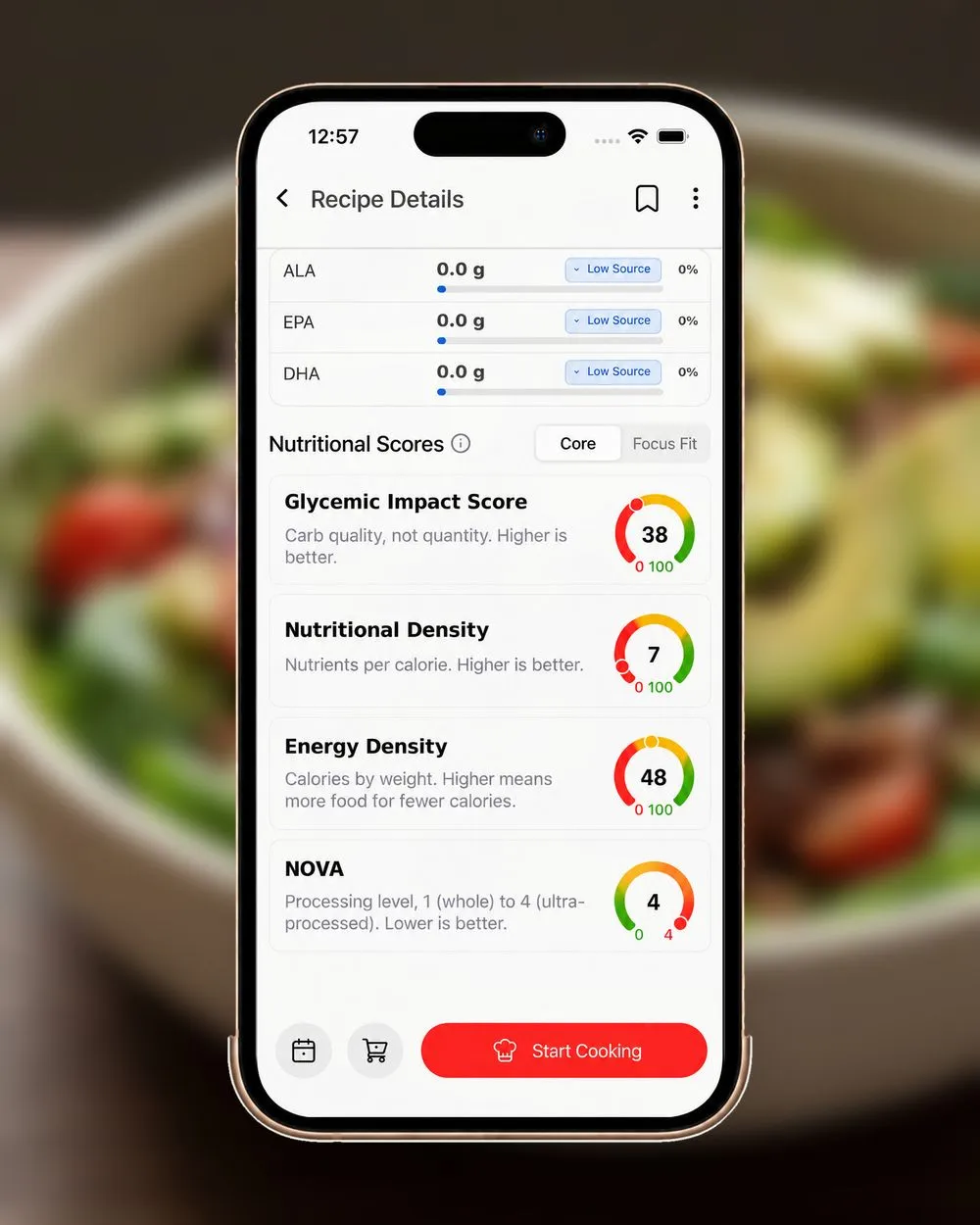
Reviews tell you if it works. Nutrition tells you what is in it.
A recipe can be loved and still carry more sodium or saturated fat than you want in one meal. In easyChef Pro the recipe page shows nutrition per serving and its scores next to the ratings, so you can choose on both. You can also check a recipe from any website with the free recipe scorer.
How to write a recipe review other cooks can use
- Say whether you cooked it as written.
- Name any change you made, and why.
- Say how long it really took and how many it fed.
- Say whether you would make it again.
What makes easyChef Pro different
The problem was never you. The system was disconnected.
Most recipe sites put the reviews on the recipe and stop there. In easyChef Pro the reviews, the nutrition per serving, your meal plan and your cart are in one app, so a recipe you like the look of can go into your week and your shopping in a few steps.
Related Reading
Frequently Asked Questions
- How do you read recipe reviews?
- Look at how many ratings there are, read what people changed, look for reviews from people who cooked it as written, and check the servings. Reviews rate taste and ease, so check the nutrition separately.
- Can I rate recipes in easyChef Pro?
- Yes. Rate a recipe from 1 to 5 stars and leave a written review. You can leave one review per recipe, and not on your own recipes.
- Can I see what other cooks thought of a recipe?
- Yes. A recipe shows the ratings from other cooks, its views and how many people made it.
- Do recipe reviews tell you if a recipe is healthy?
- Not on their own. Reviews tell you how a dish turned out. In easyChef Pro the same recipe page shows nutrition per serving and its scores, so you can check both.
- How do I write a helpful recipe review?
- Say whether you cooked it as written, name any change you made, say how long it took and how many it fed, and say whether you would make it again.
BEFORE YOU COOK
Read the Reviews, Then Check the Nutrition
In easyChef Pro, see a recipe's ratings, its nutrition per serving and its scores, then add it to your meal plan.



On a computer? Scan with your phone camera to get the app.