App Features
What Should a Recipe Sharing App Let You Do?

Short Answer
A recipe sharing app lets you share the recipes you cook and find recipes other cooks have shared. Most recipes are still passed around as screenshots and texts, which lose the photos, the amounts and the changes you made, and leave the person you sent it to retyping it.
Know what to cook, what to eat, and what to buy. easyChef Pro brings your recipes, nutrition, meal plans, pantry and shopping together in one app. Share a recipe as a link, publish your own recipes and cookbooks, and browse the recipe community: community cookbooks, trending recipes and chef profiles. A recipe you find can go into your meal plan from its page, with its nutrition per serving.
Three ways to share a recipe in easyChef Pro
- Send a link. Share a recipe as a link with anyone.
- Publish a recipe. Make your own recipe public for the community to find.
- Publish a cookbook. Gather recipes into a cookbook and publish it.
How to publish your own recipe, step by step
- Write it. Build your recipe in five steps, with photos, ingredients, instructions and timers.
- Find it in My Recipes. Your recipes show as Draft, Processing, Published or Remixed.
- Publish it. Publish the recipe from My Recipes.
- Put it in a cookbook. Add it to one of your cookbooks, and publish the cookbook for others to browse.
Browse the recipe community
- Community cookbooks. Browse the cookbooks other cooks have published.
- Trending recipes. See what is trending in the community, with the top 3 on your home screen.
- Featured recipes. Browse the featured recipes in the Recipes tab.
- Chef profiles. See a creator's public recipes and cookbooks and their rating counts.
- Ratings and reviews. Rate a recipe from 1 to 5 stars and leave a written review.
Make a recipe you find your own
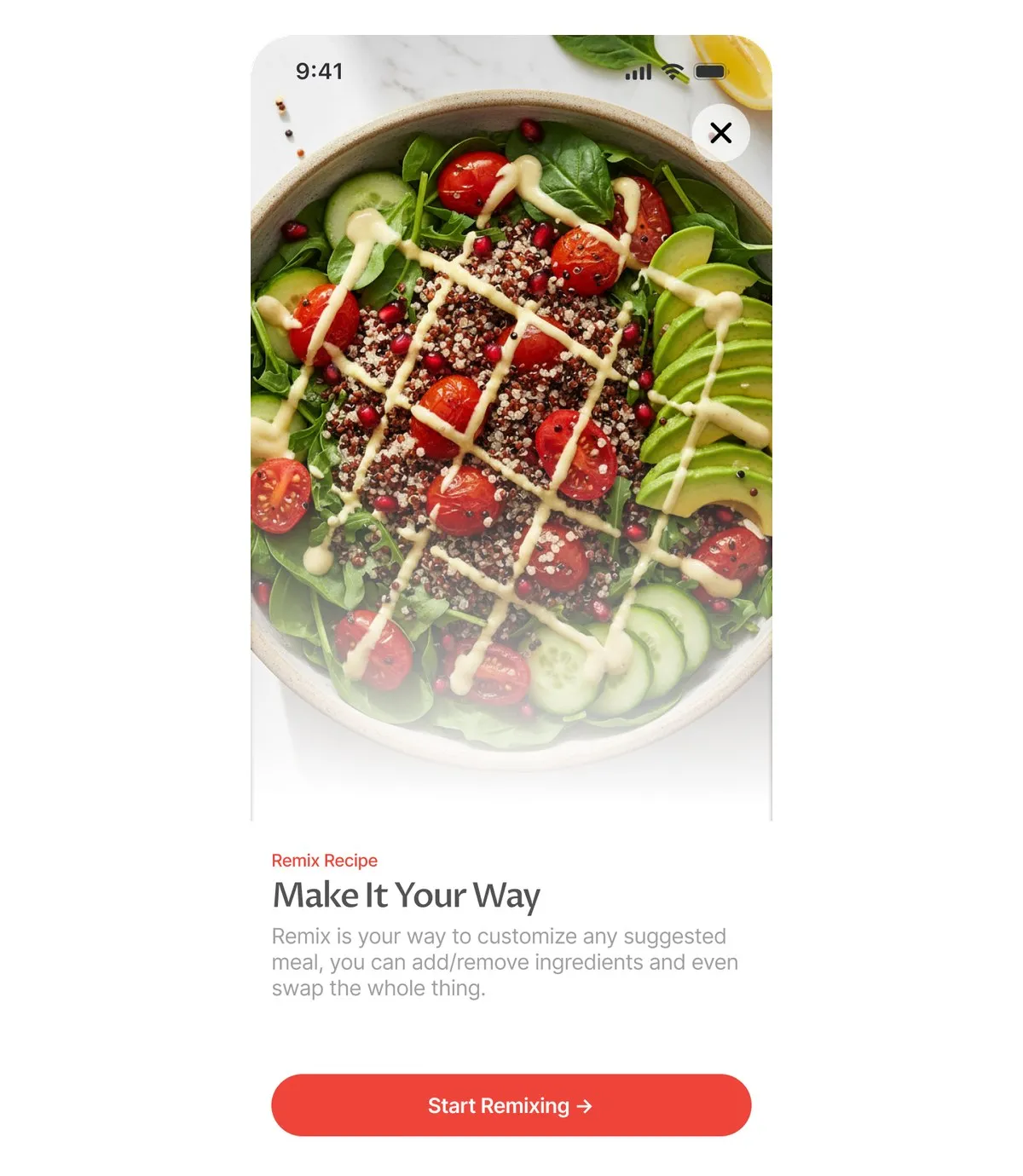
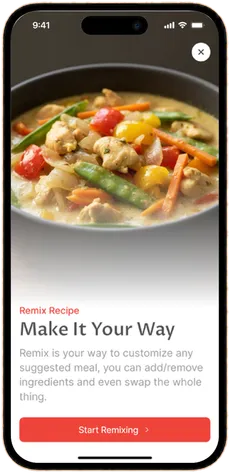
Found a community recipe you want to change? Open Remix to swap, add or remove ingredients and compare the nutrition before and after. Your remix is saved as its own recipe for you, and it can go into your meal plan.
From a shared recipe to dinner
A shared recipe is only useful if you cook it. In easyChef Pro, add it to a day and meal in your plan from its page, add its products to your cart, and cook it in Cook Mode, one step at a time.
What makes easyChef Pro different
Your life changes. Your kitchen should change with it.
Recipe sites share recipes, and meal planners plan meals. In easyChef Pro the recipes you share and find, their nutrition per serving, your meal plan and your cart are in one app.
Related Reading
Frequently Asked Questions
- What is a recipe sharing app?
- An app for sharing the recipes you cook and finding recipes other cooks have shared. In easyChef Pro you can share a recipe link, publish recipes and cookbooks, and browse the recipe community.
- How do I share a recipe from easyChef Pro?
- Share the recipe as a link from its page, and send it to anyone.
- Can I publish my own recipes?
- Yes. Write your recipe in five steps, then publish it from My Recipes. You can also publish a cookbook of your recipes.
- Is there a recipe community in easyChef Pro?
- Yes. Browse community cookbooks, trending recipes and featured recipes, see chef profiles, and rate and review recipes.
- Can I add a recipe I find to my meal plan?
- Yes. Any recipe can be added to a day and meal in your plan from its page.
SHARE WHAT YOU COOK
Publish Your Recipes and Find New Ones
Share a recipe link, publish your recipes and cookbooks, and browse the recipe community in easyChef Pro.



On a computer? Scan with your phone camera to get the app.