App Features
How Do You Make Healthy Meal Swaps Without Starting Your Plan Over?
Short Answer
Healthy meal swaps are changes to a planned meal that keep your week on track: a different dinner when plans change, a lighter lunch, or a recipe you like better. The problem with most meal plans is that they are fixed. Change one meal and you are back to planning the week from scratch.
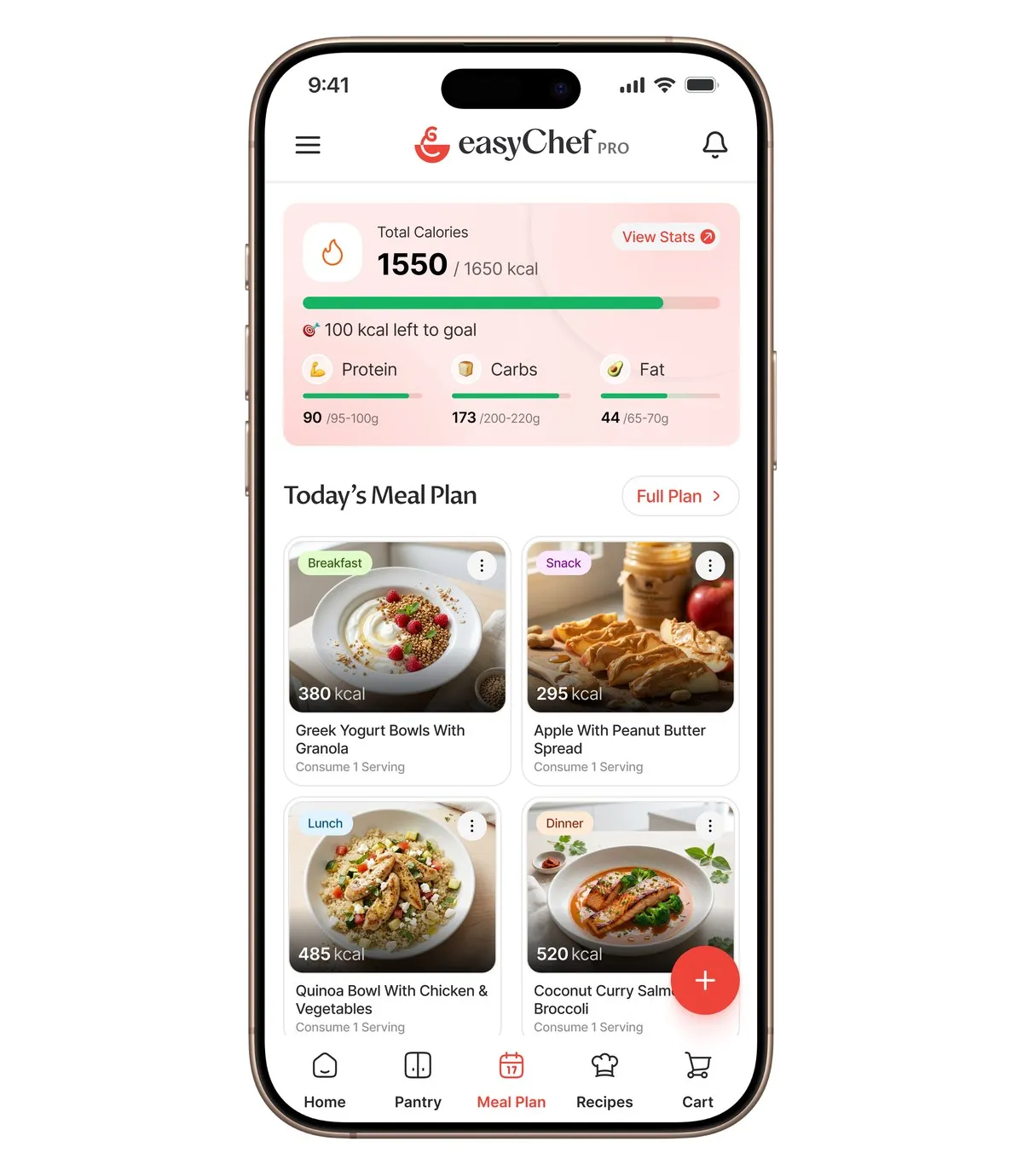
Know what to cook, what to eat, and what to buy. easyChef Pro brings your recipes, nutrition, meal plans, pantry and shopping together in one app. Swap a planned meal for a ranked alternative, or search for one. Skip a meal and undo it, or hide a recipe so it is not planned again. Then mark meals eaten to see your calories against your target.
When a meal swap makes sense
- Your plans change. Dinner out, a late night or guests.
- You do not feel like it. A meal you will not eat is no use in the plan.
- You are out of an ingredient. Swap for a meal you can cook with what you have.
- You want variety. Same goal, different food.
How to swap a planned meal, step by step (in easyChef Pro)
- Open your meal plan and find the meal you want to change.
- Choose Swap. The app shows ranked alternatives for that meal.
- Pick one, or search. Choose from the list, or search for the recipe you want.
- Or skip it. Skip a meal you will not eat, and undo the skip if plans change back.
- Or hide the recipe. Exclude a recipe so it is not planned again. You can bring it back later.
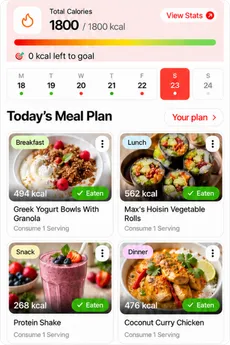
- Mark meals eaten. Your calories against your target and the protein, fat and carbs for each meal come from the meals you mark eaten.
Healthy meal swap ideas to look for
These are common directions for a swap. Check the recipe's nutrition per serving before you choose.
- Breakfast: eggs or yogurt with fruit in place of a pastry.
- Lunch: a grain bowl with beans and vegetables in place of a sandwich and chips.
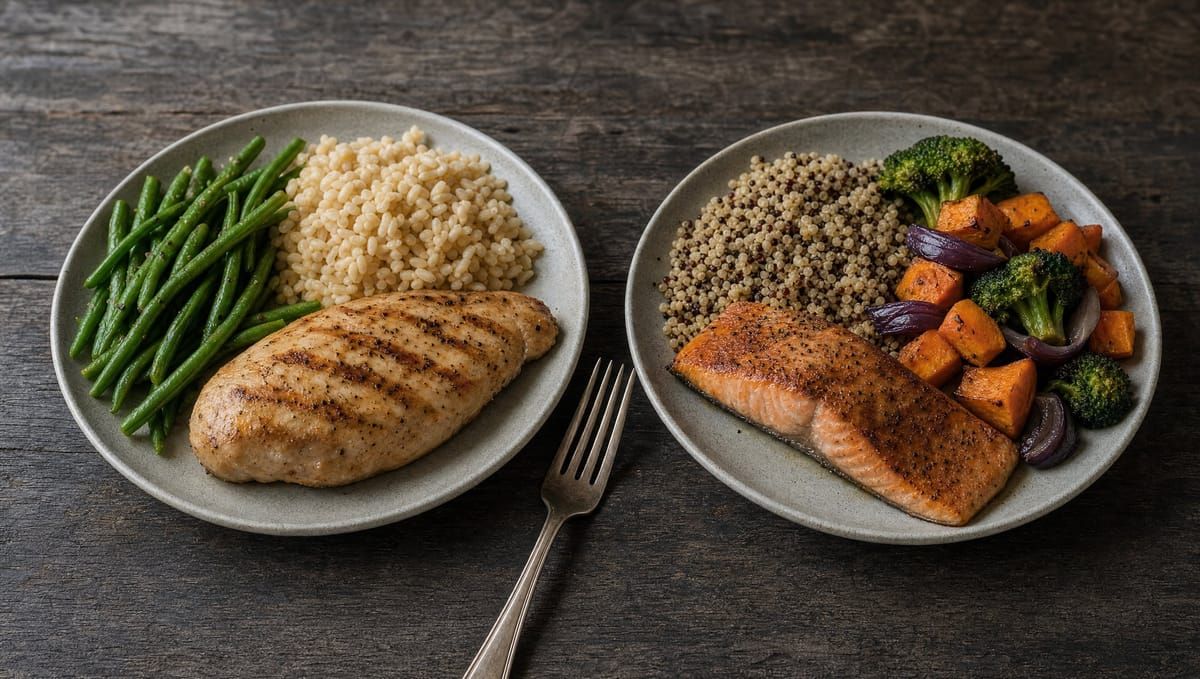
- Dinner: a sheet-pan meal of fish or chicken with vegetables in place of a cream pasta.
- Snacks: fruit and nuts in place of chips or sweets.
On each recipe, the Nutritional Facts tab shows 20 nutrients per serving, so you can compare the meal you swap out with the one you swap in.
Allergies and swaps
Automatic meal plans keep out recipes tagged with the allergies you set. When you pick a meal yourself, by swap, search or from a recipe page, check the recipe's Allergies tab before you add it.
Keep the week, change the meal
A good swap changes one meal and leaves the rest of the plan alone. In easyChef Pro the rest of your week stays as it was, and you can still add any recipe to a day and meal from its page. After the swap, add the new recipe's products to your cart, so the shopping matches the plan.
How to choose between the alternatives
Before you pick a swap, open the recipe and look at three things:
- Nutrition per serving. Calories, protein and the nutrients you watch, compared with the meal you are swapping out.
- The ingredients. Do you have them, or can they go on this week's shopping list? The recipe shows how many of its ingredients are already in your pantry, like 4 of 6.
- The time it takes. A swap only helps if you will cook it on that day.
A swap you will actually eat beats a better-looking one you will skip.
What makes easyChef Pro different
The problem was never you. The system was disconnected.
A meal plan on paper cannot change when your week does. In easyChef Pro the plan, the alternatives for each meal, the recipe's nutrition, your progress and your cart are in one app, so one swap does not mean starting over.
Related Reading
Frequently Asked Questions
- What are healthy meal swaps?
- Changes to a planned meal that keep your week on track, such as a different dinner when plans change or a recipe you like better. Check the nutrition per serving of the meal you swap in.
- Can I swap a meal in my easyChef Pro meal plan?
- Yes. Swap a planned meal for a ranked alternative, or search for the recipe you want.
- Can I skip a meal?
- Yes. Skip a meal you will not eat, and undo the skip if you change your mind.
- How do I stop a recipe from being planned again?
- Hide the recipe so it is not planned. You can bring it back later.
- Do swaps check my allergies?
- Automatic plans keep out recipes tagged with your allergies. When you swap or add a meal yourself, check the Allergies tab on the recipe first.
CHANGE ONE MEAL
Swap a Meal, Keep the Plan
Swap a planned meal in easyChef Pro for a ranked alternative, skip one or hide a recipe, and keep the rest of your week.



On a computer? Scan with your phone camera to get the app.