App Features
What Is Nutrient Density, and How Is It Calculated?
Short Answer
Nutrient density is how much nutrition a food gives you for its calories: the vitamins, minerals and other nutrients it brings, compared with the energy it brings. It is calculated as a ratio of nutrients to calories, and researchers note the term has no single universal definition. The problem is that you rarely see it for the dish you are about to cook.
Know what to cook, what to eat, and what to buy. easyChef Pro brings your recipes, nutrition, meal plans, pantry and shopping together in one app. Open a recipe to see 20 nutrients per serving and a nutrient density score from 0 to 100 (the app calls it Nutritional Density). Then add the recipe to your meal plan or its products to your cart. This guide gives a cited definition, shows how nutrient density is calculated, and explains what the app score is and is not.
What nutrient density means
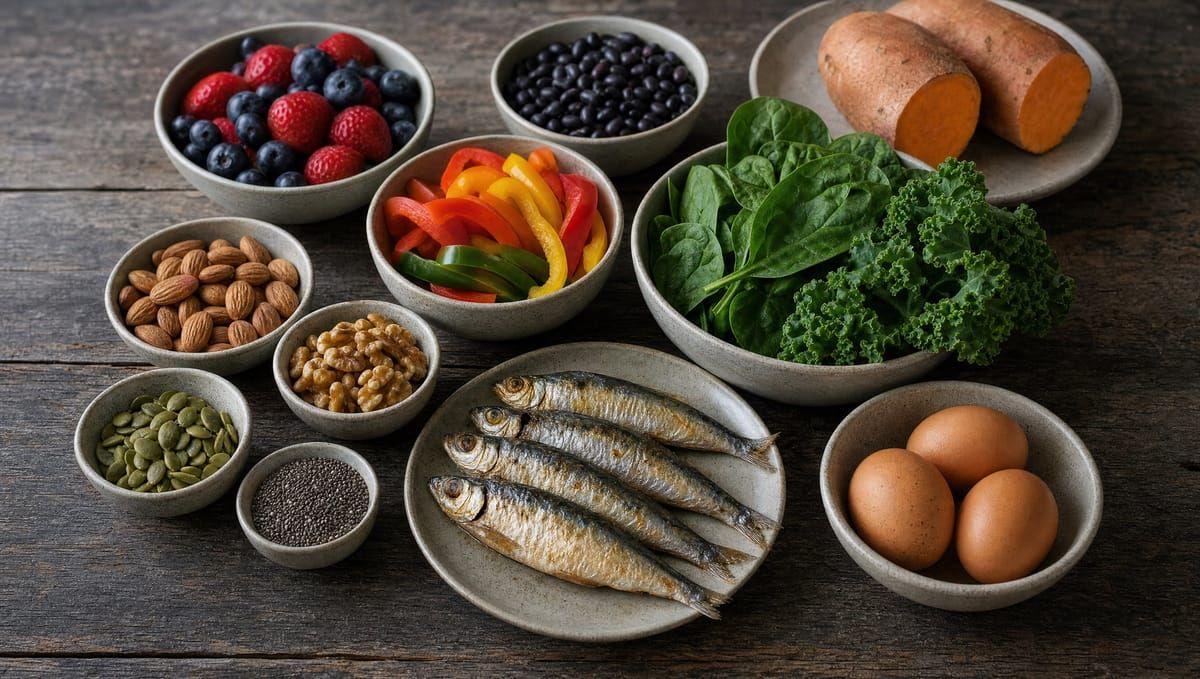
Nutrient-dense foods provide vitamins, minerals and other beneficial nutrients with relatively few calories. A plate of vegetables, beans and fish is nutrient dense. A pastry with the same calories, mostly from refined flour, added sugar and solid fat, is not.
The researchers who reviewed the concept in Public Health Nutrition note that "the term remains ambiguous without a definitive or universal definition" (Nicklas, Drewnowski and O'Neil, 2014). That matters: nutrient density is a way of comparing foods, not one fixed number.
The current federal guidance uses the idea directly. The Dietary Guidelines for Americans, 2025 to 2030 tell Americans to prioritize diets built on whole, nutrient-dense foods.
How nutrient density is calculated
The basic idea is a ratio: the nutrients a food provides, compared with the calories it provides. In outline, the steps are:
- Choose the nutrients to count, such as protein, fiber, vitamins and minerals. Some methods also subtract nutrients to limit, such as added sugar, saturated fat and sodium.
- Measure each nutrient in the food, usually against a daily reference amount.
- Relate the total to the calories in the same amount of food.
- Compare foods using the same method. A result only means something next to other foods scored the same way.
Because each method counts different nutrients, the same food can rank differently from one method to the next. The same review puts it plainly: "There is no score or scoring system that identifies an individual food as 'nutrient dense'." Foods are nutrient dense only in comparison with other foods.
How easyChef Pro shows it, step by step
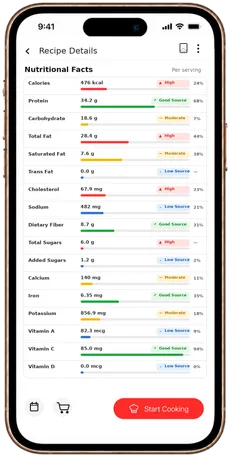
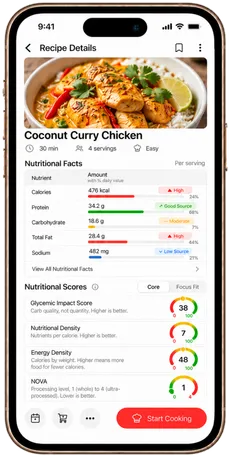
- Open a recipe and look at Nutritional Facts. You see 20 nutrients per serving, each with a rating and the share of your own daily target.
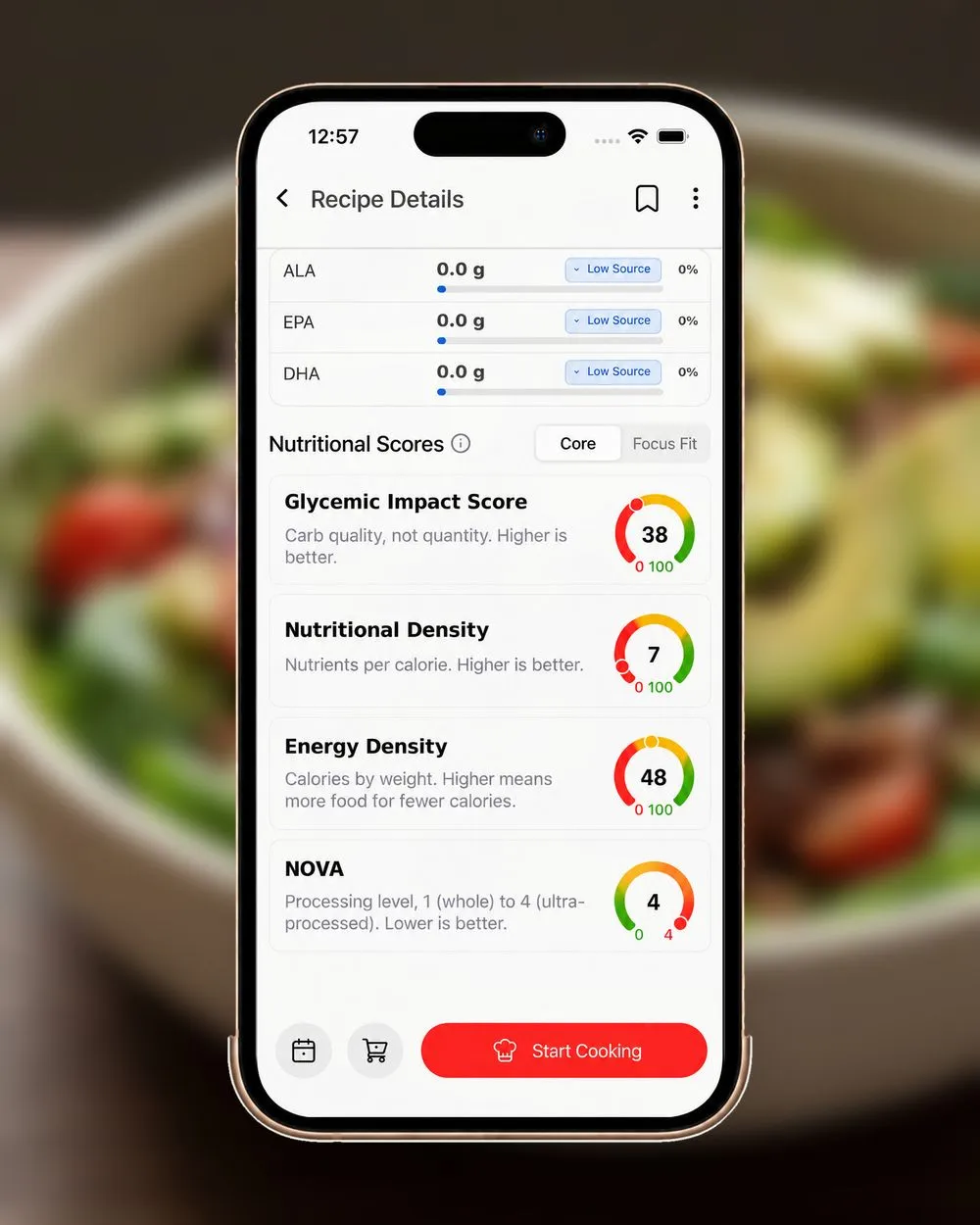
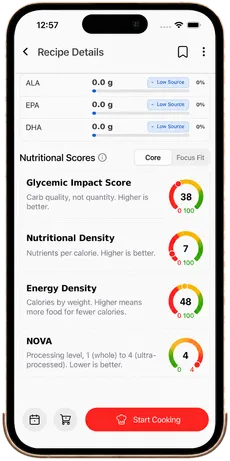
- Scroll to Nutritional Scores, Core tab. Each recipe shows a Glycemic Impact Score, Nutritional Density and Energy Density, each from 0 to 100, and a NOVA level from 1 to 4.
- Read Nutritional Density as easyChef Pro's own score. It is the app's score for comparing recipes in the app. It is not the textbook measure, and it is not one of the published nutrient profiling models.
- Compare, then remix. Open Remix, swap, add or remove ingredients, tap Apply Changes, and compare the scores and nutrition before and after.
Using nutrient density when you plan meals
- Compare like with like. Compare two dinners, or two breakfasts, not a salad with a smoothie.
- Look at the nutrients behind the number. A score is a summary. The nutrition facts show where it comes from.
- Use the other scores too. Energy Density, the Glycemic Impact Score and NOVA each describe something different, so read them together. The app's Glycemic Impact Score is its own score; for the published glycemic index, see our glycemic index guide.
Why it is worth knowing
The Dietary Guidelines ask you to build your diet on whole, nutrient-dense foods. That is hard to act on without the numbers. Seeing nutrition per serving and a density score on the recipe you are about to cook lets you follow that guidance one meal at a time, without a spreadsheet.
What makes easyChef Pro different
The problem was never you. The system was disconnected.
Nutrition facts usually live on a label, a website or a separate tracker, far from the recipe you are cooking. In easyChef Pro the recipe, its nutrition per serving, its scores and your meal plan sit on the same screen. When you paste a recipe link into the app, the recipe is saved to your account with its nutrition calculated.
Related Reading
Frequently Asked Questions
- What is nutrient density?
- Nutrient density describes how much nutrition a food gives you for its calories. Nutrient-dense foods provide vitamins, minerals and other beneficial nutrients with relatively few calories. Researchers note the term has no single universal definition.
- What does nutrient density mean on a recipe?
- It means how much nutrition each serving delivers compared with its calories. Two recipes with the same calories can be very different: one built on vegetables, beans and fish, another on refined flour and added sugar.
- How do you calculate nutrient density?
- Choose the nutrients to count, measure each one in the food against a daily reference amount, and relate the total to the calories in the same amount of food. Different methods count different nutrients, so compare foods only with the same method.
- Is the easyChef Pro Nutritional Density score the textbook measure?
- No. It is the app score for comparing recipes in easyChef Pro, shown from 0 to 100. It is not one of the published nutrient profiling models. The nutrition facts per serving on the same page show the nutrients behind it.
- What other scores does easyChef Pro show on a recipe?
- Each recipe shows a Glycemic Impact Score, Nutritional Density and Energy Density, each from 0 to 100, and a NOVA processing level from 1 to 4.
SEE THE NUMBERS
See the Nutrition Behind Each Recipe
easyChef Pro shows nutrition per serving and four recipe scores on each recipe, so you can compare before you cook.



On a computer? Scan with your phone camera to get the app.