App Features
What Is a Pantry Tracker, and How Do You Keep One Up to Date?
Short Answer
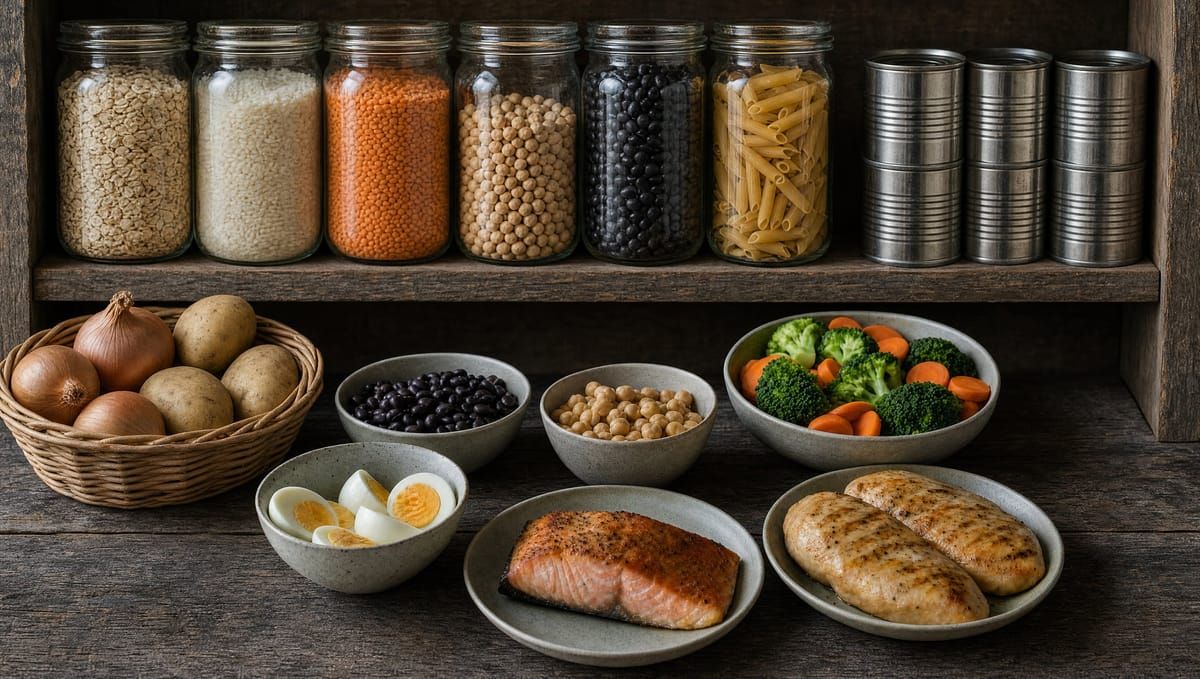
A pantry tracker is a list of the food you have at home, with how much of each item is left and when it expires. Starting one is easy. The hard part is keeping it up to date: groceries come in, meals go out, and the list drifts away from what is really on the shelf.
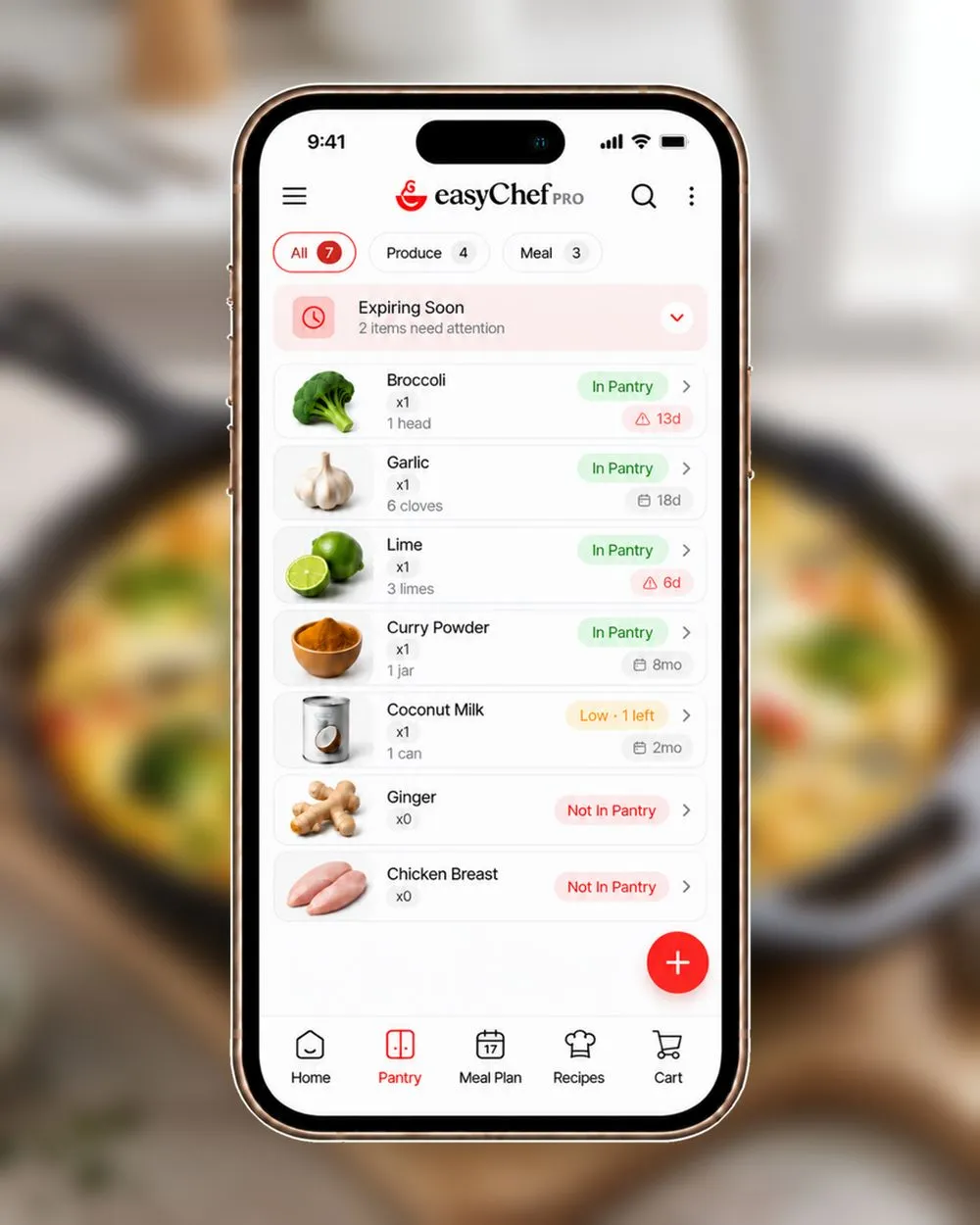
Know what to cook, what to eat, and what to buy. easyChef Pro brings your recipes, nutrition, meal plans, pantry and shopping together in one app. Add groceries to your pantry by barcode, by photo (up to 5 products at a time, and you confirm the matches) or by search, and give each item a quantity and expiry date. When you finish cooking a recipe, preview what comes off your pantry and confirm it, so the tracker keeps up with what you cook.
What a pantry tracker should track
- The item. What it is, so a recipe can match it.
- How much is left. A quantity, in imperial or metric units.
- When it expires. An expiry date, so you cook it in time.
How to set up a pantry tracker in easyChef Pro, step by step
- Scan a barcode. Scan a product's barcode to add it to your pantry.
- Or take a photo. Photograph up to 5 products at a time. The app proposes matches, and you confirm them before they are added.
- Or search. Search the product catalog, or create your own product from photos, a barcode or by hand.
- Add quantities and expiry dates. Each item gets a quantity and an expiry date.
- Check Expiring Soon. See what expires in the next 14 days.
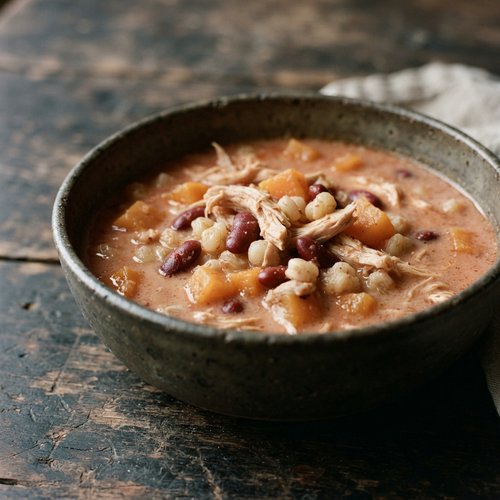
- Cook it in time. Pick items that expire soon and see recipes that use them.
Keeping the tracker up to date without extra work
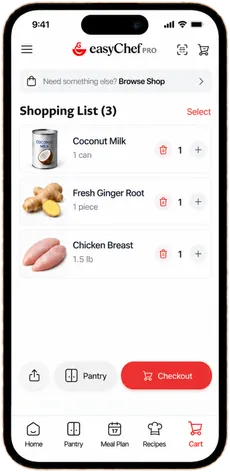
A pantry tracker stays right when it changes at the two moments food moves: when it comes in and when you cook it. In easyChef Pro, after you shop, move what you bought from your cart into your pantry. When you finish a recipe, preview what comes off your pantry, for half, one or two times the recipe or amounts you set, and confirm it. You do not have to remember to update the list later.
How a pantry tracker connects to your meals
A tracker is only useful if it changes what you cook and buy. On each recipe, easyChef Pro shows how many of its ingredients are already in your pantry, like 4 of 6. Add the recipe to your meal plan, add its products to your cart, and remove the ones the pantry already covers.
What makes easyChef Pro different
Your life changes. Your kitchen should change with it.
Most pantry lists live apart from the recipes and the shopping. In easyChef Pro the pantry, the recipes that use what expires soon, your meal plan and your cart are in one app, and the pantry updates when you cook.
Related Reading
Frequently Asked Questions
- What is a pantry tracker?
- A list of the food you have at home, with how much of each item is left and when it expires. In easyChef Pro your pantry keeps quantities and expiry dates for each item.
- How do I add groceries to my pantry tracker?
- Scan a product barcode, photograph up to 5 products at a time and confirm the matches, or search the product catalog. You can also create your own product.
- Can I add food by taking a photo?
- Yes. Photograph up to 5 products at a time. The app proposes matches, and you confirm them before they are added.
- Does the pantry update when I cook?
- Yes. When you finish a recipe, preview what comes off your pantry and confirm it.
- Does it show what expires soon?
- Yes. Expiring Soon lists what expires in the next 14 days, and you can see recipes that use those items.
KNOW WHAT YOU HAVE
Keep Your Pantry Up to Date
Add groceries by barcode or photo in easyChef Pro, see what expires soon, and let the pantry update when you cook.



On a computer? Scan with your phone camera to get the app.