App Features
How Do You Keep a Photo Food Log Without Typing Every Meal?
Short Answer
A photo food log starts with a picture: you photograph what you are about to eat, so the meal goes on your plan without typing it in. Typing is where most food logs fail. It is slow at the table, so meals get skipped and the log stops matching what you ate.
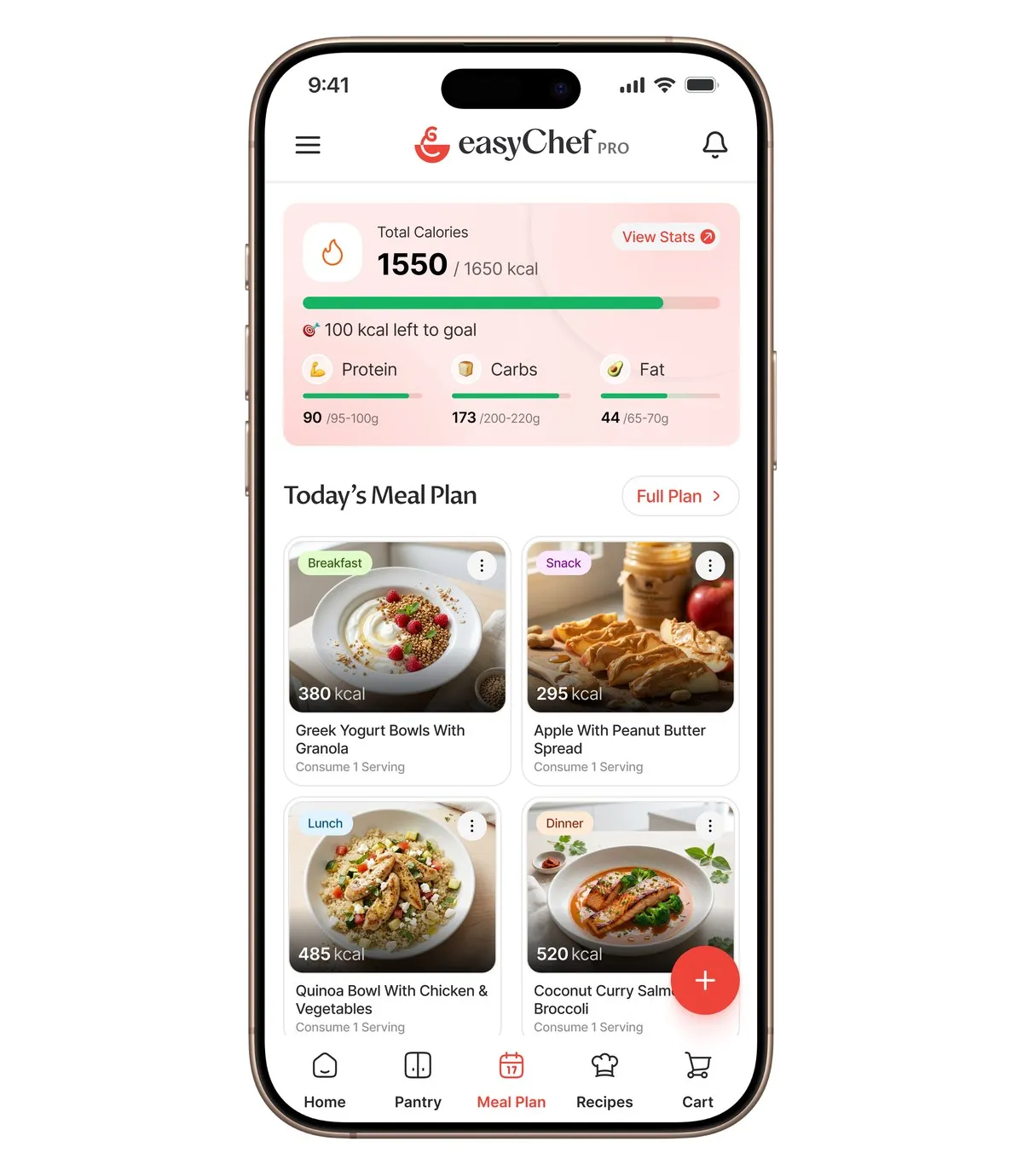
Know what to cook, what to eat, and what to buy. easyChef Pro brings your recipes, nutrition, meal plans, pantry and shopping together in one app. In your meal plan, add a meal from a picture, add a product by barcode, or add a meal by search. Mark meals eaten, and My Progress shows your calories against your target, with protein, fat and carbs for each meal in Meal Logs.
What a photo food log should do
- Make adding a meal quick, so you keep doing it.
- Turn the picture into a meal on your plan, not just a photo in your camera roll.
- Show you the day, with calories against your target.
- Keep a history you can look back on.
How to add a meal from a picture, step by step (in easyChef Pro)
- Open your meal plan and tap the add button.
- Choose Add Meal from Picture. Take a picture of the meal.
- Add the meal it finds to your plan. The picture is used to find a meal to add. It does not estimate calories from the photo itself.
- Or use another way in. Add a product, add a product by barcode, or add a meal by search.
- Mark it eaten. Meals you mark eaten count toward your day.
- Check your progress. My Progress shows your calories against your target and your day streak. Meal Logs show protein, fat and carbs for each meal, and weekly reports export as a PDF.
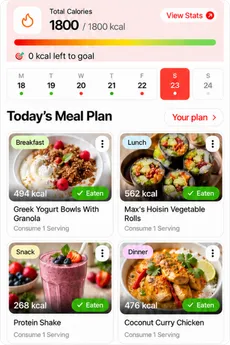
Photo food log or calorie counter?
A calorie counter asks you to find and enter each food. A photo food log starts from the meal in front of you. In easyChef Pro the two meet in the meal plan: most of your meals are already planned, so you mark them eaten, and the picture is for the meal you did not plan.
Tips for a food log you will keep
- Plan most meals ahead. Marking a planned meal eaten is the quickest log there is.
- Use the picture for the unplanned meal, like lunch out or a snack at a friend's.
- Scan packaged food onto your plan. A barcode is quicker than a search, and it counts once you mark it eaten.
- Look at the week, not the day. Weekly reports show the pattern that one day hides.
Find a recipe from a photo, too
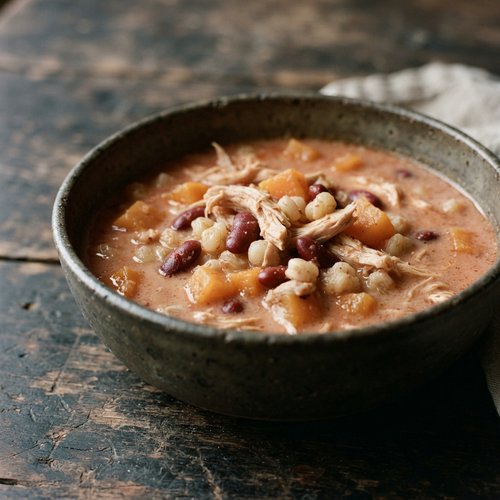
A different photo feature helps before you cook. On the recipe search, take a photo of a dish and the app searches recipes for it. You can run up to 20 photo searches a day. It reads the photo into a dish name, then runs the normal search, so you get recipes like the dish, not that exact recipe.
What to photograph
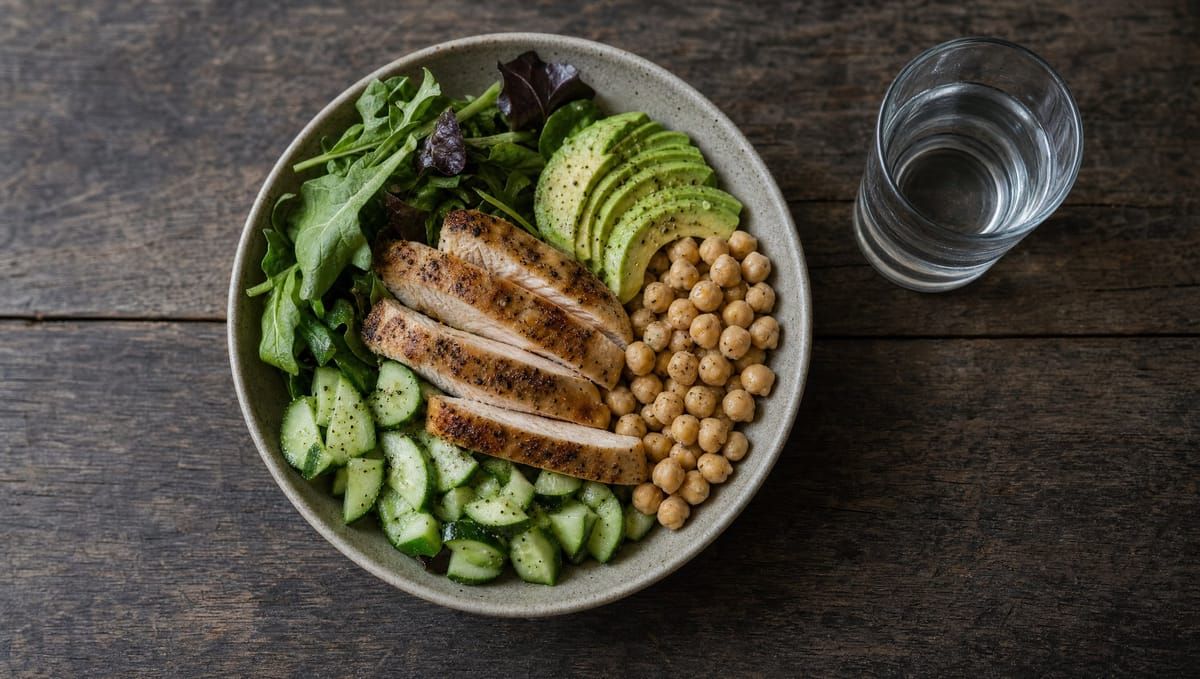
- The whole plate, from above, in good light.
- One meal per picture, so the meal you add matches what you ate.
- Before you eat, not halfway through.
Then check that the meal it finds is the one you had before you add it.
Why the log starts from your plan
Most food logs ask you to start from nothing at every meal. In easyChef Pro your meal plan already holds most of your meals, so logging is mostly a matter of marking them eaten. The picture covers the rest. That is what keeps the log close to what you ate, week after week.
What makes easyChef Pro different
The problem was never you. The system was disconnected.
Food logs usually live apart from the food. In easyChef Pro the recipes, your meal plan, the meals you log, your calories against your target and your cart are in one app, so the log starts from the plan instead of a blank page.
Related Reading
Frequently Asked Questions
- What is a photo food log?
- A food log that starts from a picture of what you eat. In easyChef Pro, add a meal to your plan from a picture, then mark it eaten.
- Does easyChef Pro count calories from my photo?
- No. The picture is used to find a meal to add to your plan. It does not estimate calories from the photo itself.
- What other ways can I add a meal?
- In your meal plan, add a product, add a product by barcode, or add a meal by search.
- Where do I see what I ate?
- My Progress shows your calories against your target and your day streak. Meal Logs show protein, fat and carbs for each meal.
- Can I export my food log?
- Yes. Weekly reports export as a PDF.
LOG FROM A PICTURE
Add a Meal From a Picture
Add a meal to your easyChef Pro plan from a picture, mark it eaten, and see your calories against your target.


On a computer? Scan with your phone camera to get the app.