App Features
How Do You Share Recipes With Friends So the Link Opens the Recipe?
Short Answer
To share recipes with friends, send a link to the recipe itself, not a screenshot. A link keeps the photos, the ingredients and the steps together. Screenshots and copied text are how most recipes get shared, and they arrive cut off, out of order and impossible to cook from without retyping.
Know what to cook, what to eat, and what to buy. easyChef Pro brings your recipes, nutrition, meal plans, pantry and shopping together in one app. Share a recipe as a link. On a phone with the app, opening the link opens the recipe, so your friend can add it to their meal plan, add its products to their cart, or cook it. This guide shows how.
Why a link beats a screenshot
- It is the whole recipe, not the part that fit on the screen.
- It stays readable. No zooming in on a photo of a phone.
- It is ready to use. In the app, the recipe opens with its nutrition, ingredients and steps.
How to share a recipe with friends, step by step (in easyChef Pro)
- Open the recipe you want to share.
- Tap Share. Your phone's share sheet opens with the recipe link.
- Send it by text, email or any messaging app on your phone.
- Your friend opens the link. On a phone with easyChef Pro, the link opens the recipe in the app.
- No app yet? The link opens a page on easychefpro.com that takes them to the App Store or Google Play to get it.
What your friend can do with the recipe
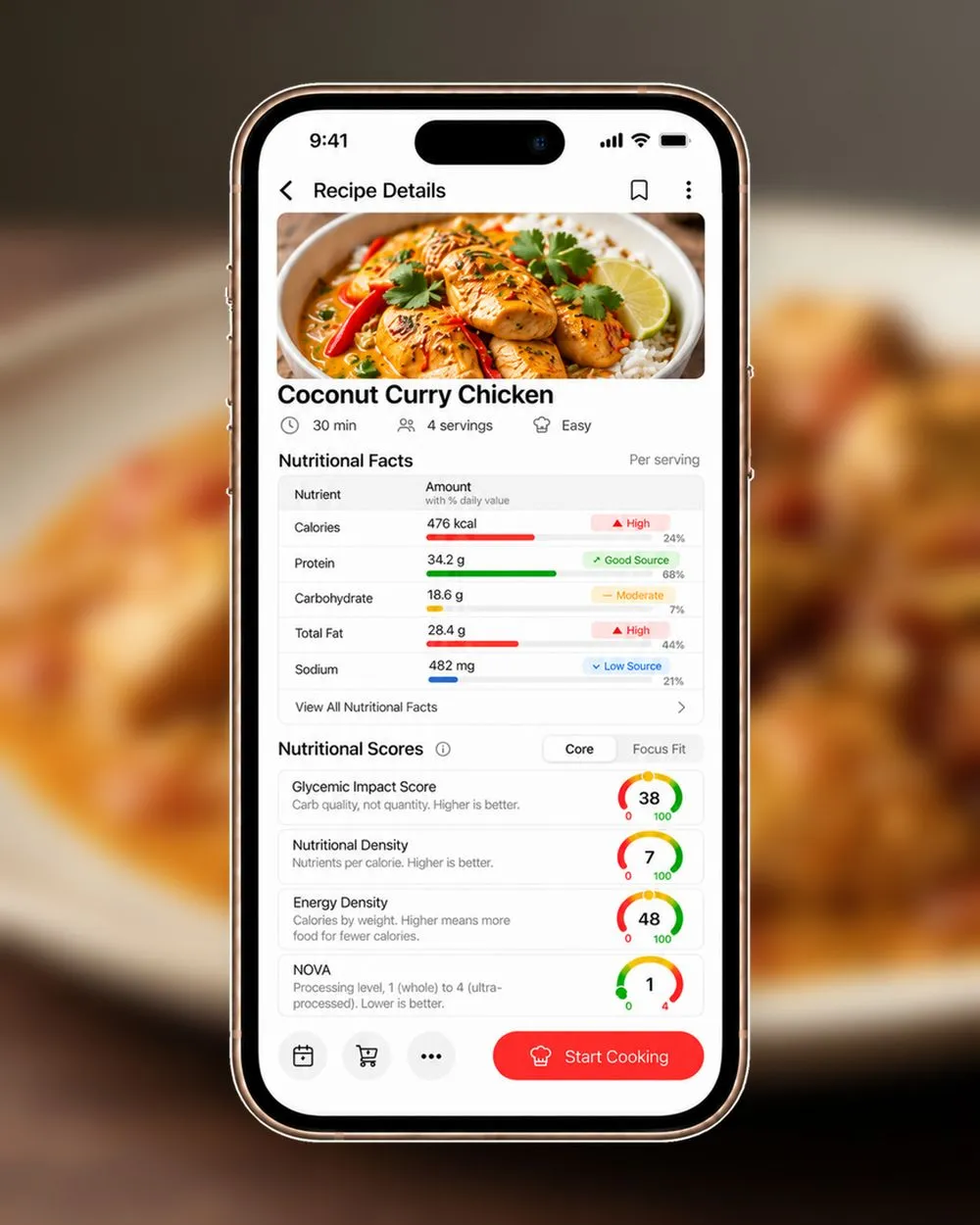
Once the recipe is open in the app, it works like any other recipe in easyChef Pro. Your friend can see its nutrition per serving and its scores, add it to a day and meal in their meal plan, add its products to their cart, and rate it from 1 to 5 stars with a written review once they have cooked it.
Sharing with more people: publish it
A link is for a friend. To share a recipe with everyone, publish it. Published recipes and cookbooks can be found in the recipe community, next to community cookbooks, trending recipes and chef profiles. Your own recipes can be published from My Recipes.
Tips for sharing recipes with friends
- Say why you are sending it. "This is the curry from Saturday" gets cooked. A bare link gets saved for later.
- Mention what you changed. If you cooked it with less chili, say so.
- Share before the shop. Send it early in the week, so it can go in their plan and their cart.
- Ask for a rating. A review from a friend who cooked it helps the next person.
Sharing recipes for a group meal
Planning a potluck or a dinner with friends? Send each person the link to the dish you would like them to bring. Everyone gets the full recipe with its ingredients and steps, and anyone with the app can add it to their plan for that day and its products to their cart. It is easier than a group chat full of screenshots, and nobody has to ask for the recipe twice.
Sharing a recipe you changed
If you remixed a recipe, cooked it and want to pass on your version, tell your friend what you changed when you send the link. A remix stays in your own recipes and cannot be published, so the note you send is how your changes travel.
What makes easyChef Pro different
Your life changes. Your kitchen should change with it.
Most recipe sharing ends at "looks good". In easyChef Pro the recipe you share arrives with its nutrition per serving, and it can go straight into your friend's meal plan and cart, so a recipe you send on Monday can be dinner on Thursday.
Related Reading
Frequently Asked Questions
- How do I share recipes with friends?
- Open the recipe in easyChef Pro, tap Share and send the link by text, email or any messaging app.
- What happens when my friend opens the link?
- On a phone with easyChef Pro, the link opens the recipe in the app. Without the app, it opens a page that takes them to the App Store or Google Play.
- Can my friend add the recipe to their meal plan?
- Yes. Once the recipe is open in the app, they can add it to a day and meal in their plan and add its products to their cart.
- Can I share a recipe with everyone?
- Yes. Publish it, and it can be found in the recipe community.
- Is a link better than a screenshot?
- Yes. A link keeps the whole recipe together, with its photos, ingredients and steps, and in the app it opens ready to plan or cook.
SEND THE RECIPE
Share Recipes With Friends
Share a recipe link from easyChef Pro. On a phone with the app, it opens the recipe, ready to plan or cook.



On a computer? Scan with your phone camera to get the app.