Recipe import
Import a Recipe from a Link
Paste a link from a recipe site. easyChef Pro reads the page and shows its ingredients, steps and the nutrition the site publishes per serving.
Julie from easyChef Pro
Paste a recipe URL



On a computer? Scan with your phone camera to get the app.
New accounts get a 7-day Pro trial, no card required.

How the recipe import works and where the nutrition comes from
Paste the link to a recipe page and easyChef Pro reads the page. You see the recipe's title, ingredients and steps, and a link back to the source. Some recipe pages cannot be read, for example a search page, a category page or a page without a standard recipe layout; then you see a message.
The nutrition shown is the nutrition the recipe site publishes, per serving, labeled "as published by" that site. easyChef Pro does not calculate or change it. If the site publishes no nutrition, none is shown, and a nutrient the site leaves out is left out.
Want a recipe from your own collection? Look it up by name in the nutrition lookup.
For general wellness purposes only, not medical advice.
Recipe import
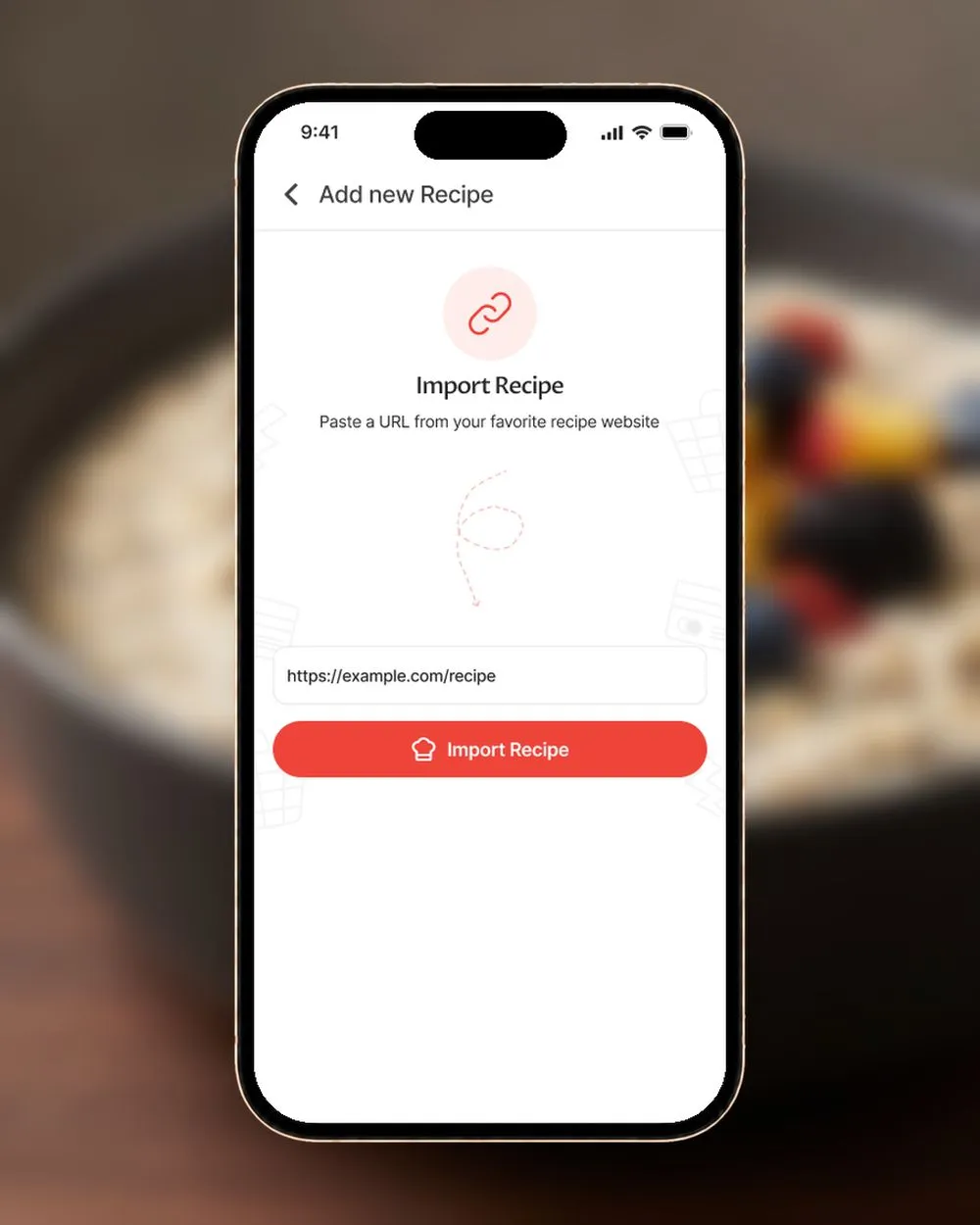
Import a recipe from a link in the app.Paste a URL from your favorite recipe website.
In the easyChef Pro app, tap Add new Recipe, paste the link from your favorite recipe website and tap Import Recipe. You can organize your recipes your way and remix one into a version that fits your goal.
Frequently asked questions
How do I import a recipe from a link?
Paste the web address of the recipe page into the box above and press the button. easyChef Pro reads the page and shows the recipe's ingredients and steps, with a link to the source. If the page cannot be read you will see a message.
Where does the nutrition come from?
From the recipe site. The nutrition shown is what the site publishes for one serving, labeled "as published by" that site. easyChef Pro does not calculate or change it, and shows none if the site does not publish it.
Which recipe sites does it work with?
It works with recipe pages that use a standard recipe layout. Paste the link to the recipe itself, not a search or category page. If a page cannot be read, you will see a message.
Does it calculate the nutrition for the imported recipe?
No. This page shows the nutrition the recipe site publishes, as published by that site.
What can I do with recipes in the app?
In the app you can organize your recipes your way and remix one into a version that fits your goal.
Is the importer free?
The importer is free to use. To see your full results you enter your email and tick the box to agree to receive easyChef Pro recipes, tips and product updates. You can unsubscribe anytime.
More free tools
Ready to import a recipe?
Paste a link from a recipe site to see its ingredients, steps and the nutrition the site publishes per serving.
Import a recipe 
On a computer? Scan with your phone camera to get the app.
New accounts get a 7-day Pro trial, no card required.
More tools: Recipe nutrition calculator | Barcode nutrition lookup